
How the mobile casino actually works
Instead of shipping a separate download, FatPirate uses a progressive web app (PWA). You open the site in Chrome or Safari, tap install, and an icon lands on your screen that behaves like a native app: full-screen, no browser bar, its own launcher. That approach dodges the two things players hate most, waiting for a big file and trusting an unknown APK.
Everything from the desktop version comes along. Slots from BGaming, Yggdrasil, Thunderkick, Spinomenal and Platipus load in portrait, the cashier keeps the £10 minimum deposit (£20 to activate the bonus), and live chat sits one tap away, 24/7.
FatPirate app on Android
Android handles the casino app the smoothest, because Chrome installs PWAs in a couple of taps.
- Open the casino in Chrome on your phone.
- Tap the three-dot menu in the top corner.
- Choose Add to Home screen (or "Install app").
- Confirm, and the casino icon appears on your home screen.
Launch it from that icon and the casino opens full-screen. No storage warnings, no unknown-sources toggle, no manual updates, the app pulls the latest version every time you open it.
FatPirate app on iOS
iPhone and iPad players use Safari instead of the App Store.
- Open the site in Safari (not Chrome, the install option only shows in Safari on iOS).
- Tap the Share button, the square with the upward arrow.
- Scroll and pick Add to Home Screen.
- Rename it if you like, then tap Add.
The icon behaves like any other app on iOS. Face ID unlocks your phone as usual, and the casino remembers your session, so you skip re-entering your login every time.
What you can do inside the app
Short answer: the same things you do on desktop.
| Feature | Mobile app |
|---|---|
| Slots library | Over 10,000 titles, same providers |
| Welcome bonus | 100% up to £1,000 + 100 FS |
| Minimum deposit | £10 (£20 to activate the bonus) |
| Minimum withdrawal | £20 |
| Withdrawal speed | Crypto within 24 hours, cards 1-3 business days |
| Support | Live chat and email, 24/7 |
Deposits and cashouts run through the same cashier, so a payment you start on your laptop finishes fine on your phone. Withdrawals sit inside the published limits, £4,000 a day and £30,000 a month, whichever screen you use.
Signing in and getting verified on mobile
New here? Tap the join button, drop in your email, set a password, and confirm you are 18+. Full steps live on the registration page. Already have an account? The login page covers password resets and locked-account fixes.
KYC works the same on phone as on desktop, and the camera makes it faster. When verification is requested you upload a passport or driving licence, a recent utility bill for proof of address, and proof of the payment method you deposited with. Checks usually clear within 24 hours.
Claiming the welcome bonus from your phone
The offer is identical on mobile: a 100% match up to £1,000 plus 100 free spins on your first deposit. Fund your account with at least £20 to switch it on, £10 alone deposits but does not trigger the bonus. Wagering runs at x40 on the bonus (x30 on the third deposit) and you have 7 days to clear it. Read the full terms on the bonus page before you opt in.
PWA vs a native download, why the casino skips the APK
A native APK means a file to find, a security prompt to accept, and manual updates every few weeks. This mobile casino avoids all of that. You install once, and the web app refreshes itself server-side, so you are always on the current build with the current game list.
The trade-off is honest: it runs in the browser engine, so a flaky connection shows more than it would on a downloaded app, and you must be online to play. For most players on modern phones that is a fair swap for zero install hassle. Want to browse first? The games hub lists the live tables and slot categories, all of which open in the mobile app exactly as on desktop.
Quick answers
Is there a real app to download from the App Store?
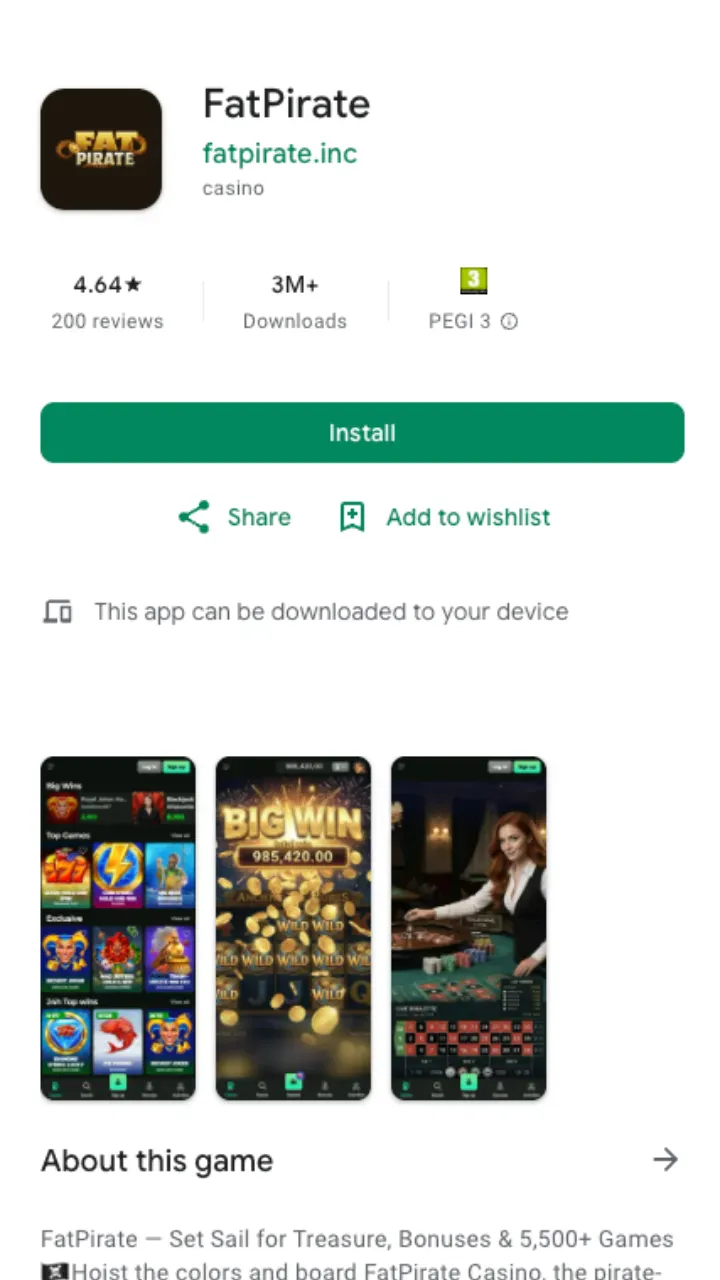
No. There is no listing on Google Play or the Apple App Store. The mobile version is a web app you add to your home screen from the official site, which is why any external download APK should be ignored.
Does the app cost anything?
No. Installing it is free. You only spend money when you deposit to play, minimum £10.
Will my bonus and balance carry over between phone and desktop?
Yes. It is one account. Your balance, the welcome bonus and any wagering progress follow you across every device you log in on.
Which phones work?
Any modern Android with Chrome or any iPhone/iPad with Safari. The app is browser-based, so there is no minimum OS download to worry about, just keep your browser reasonably up to date.